
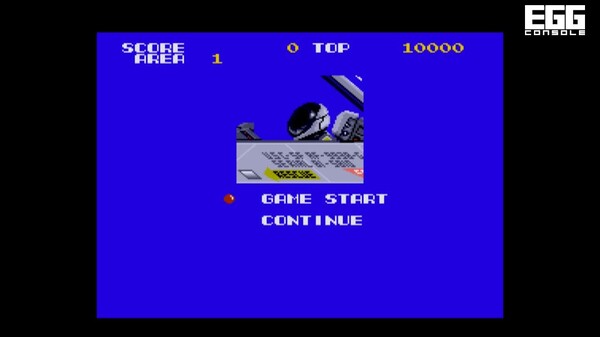
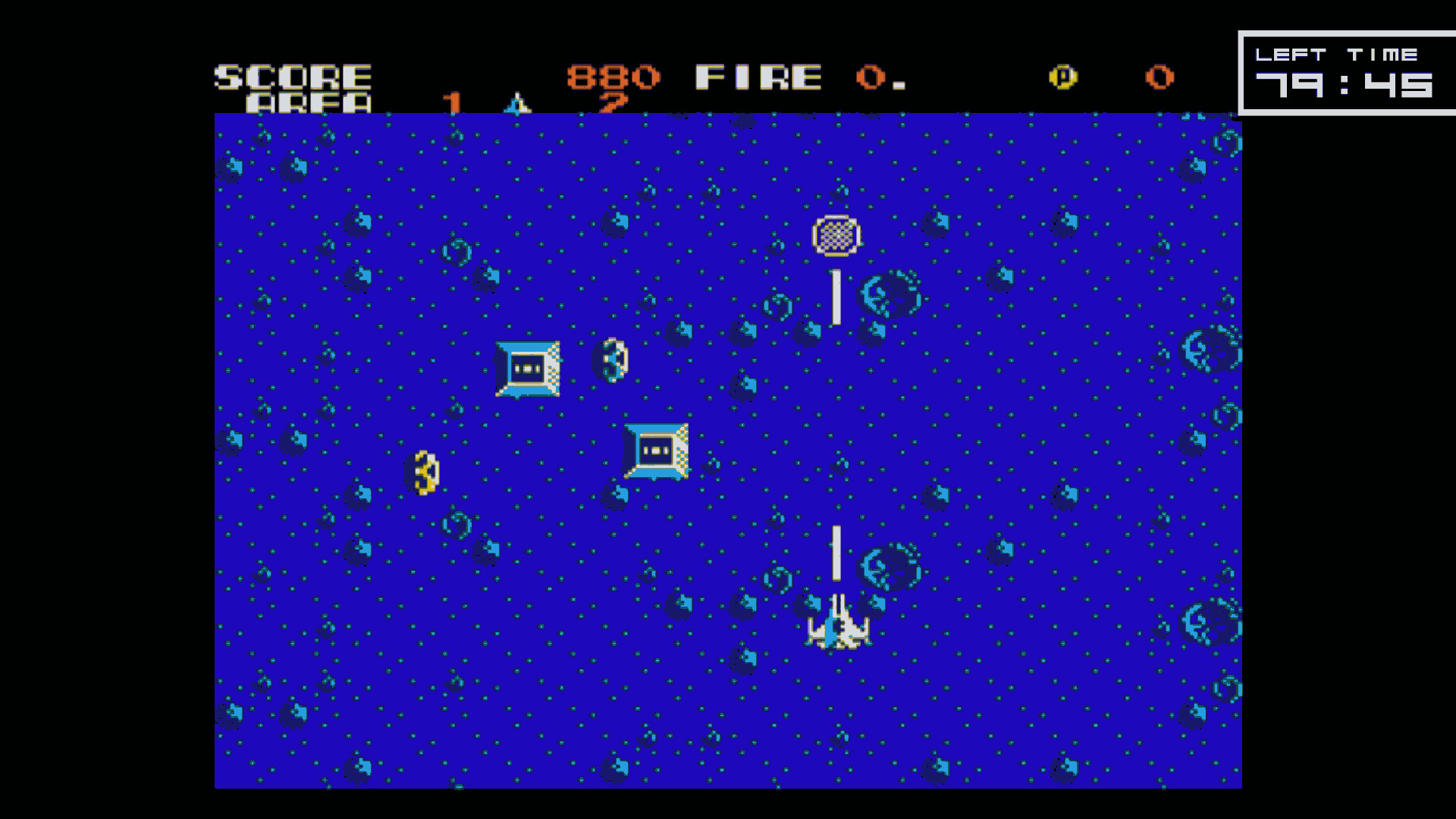
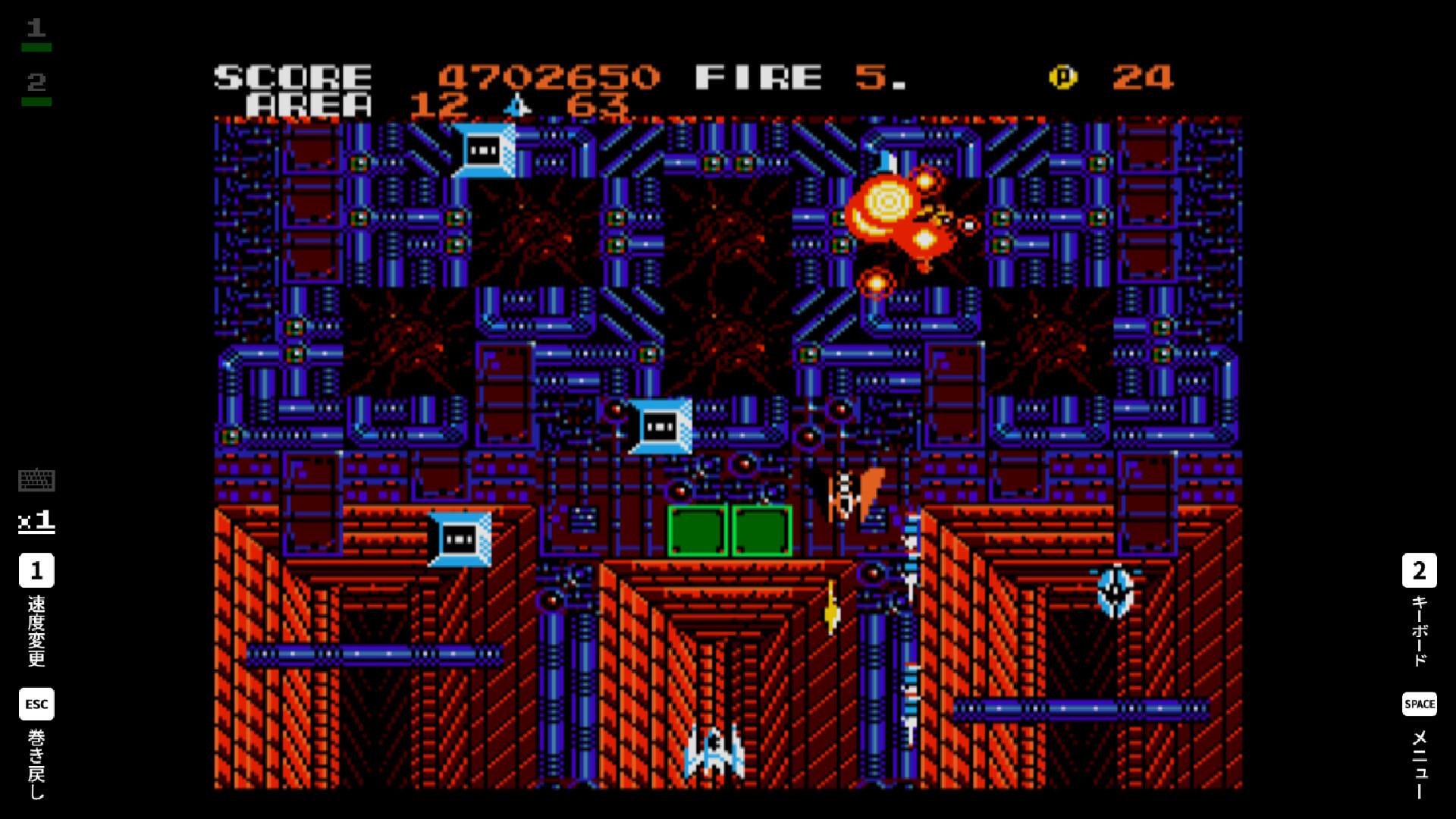
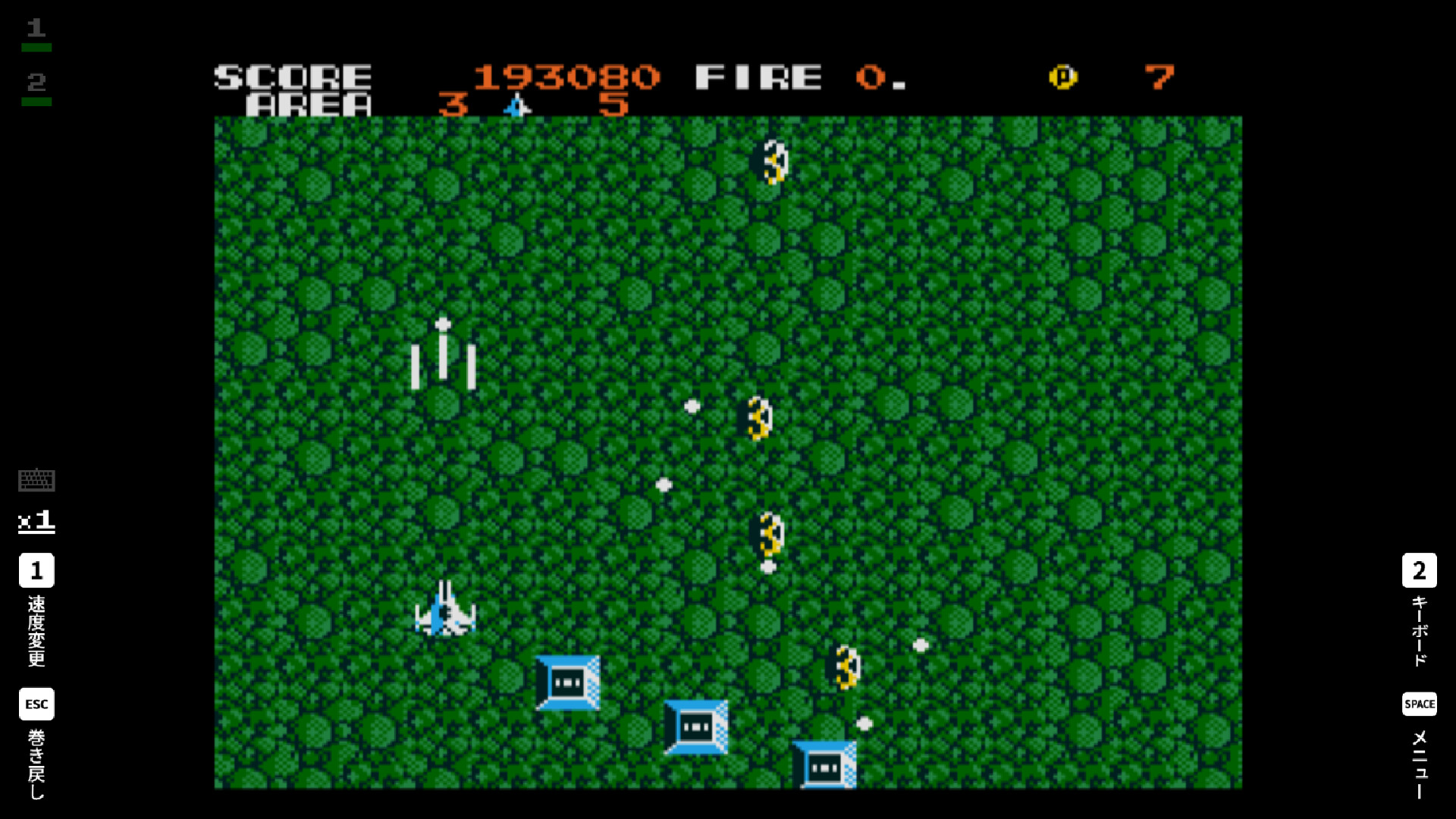
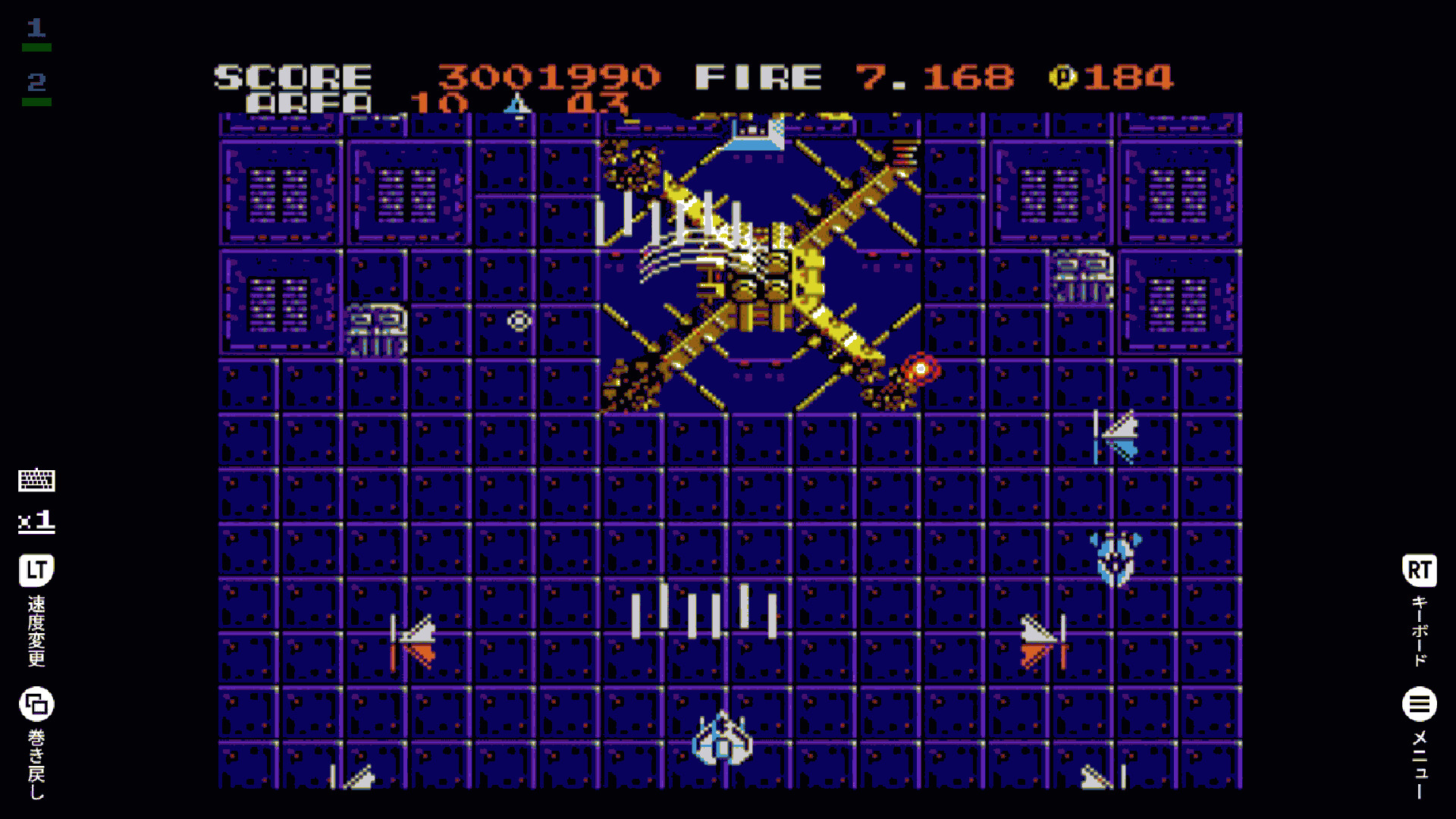
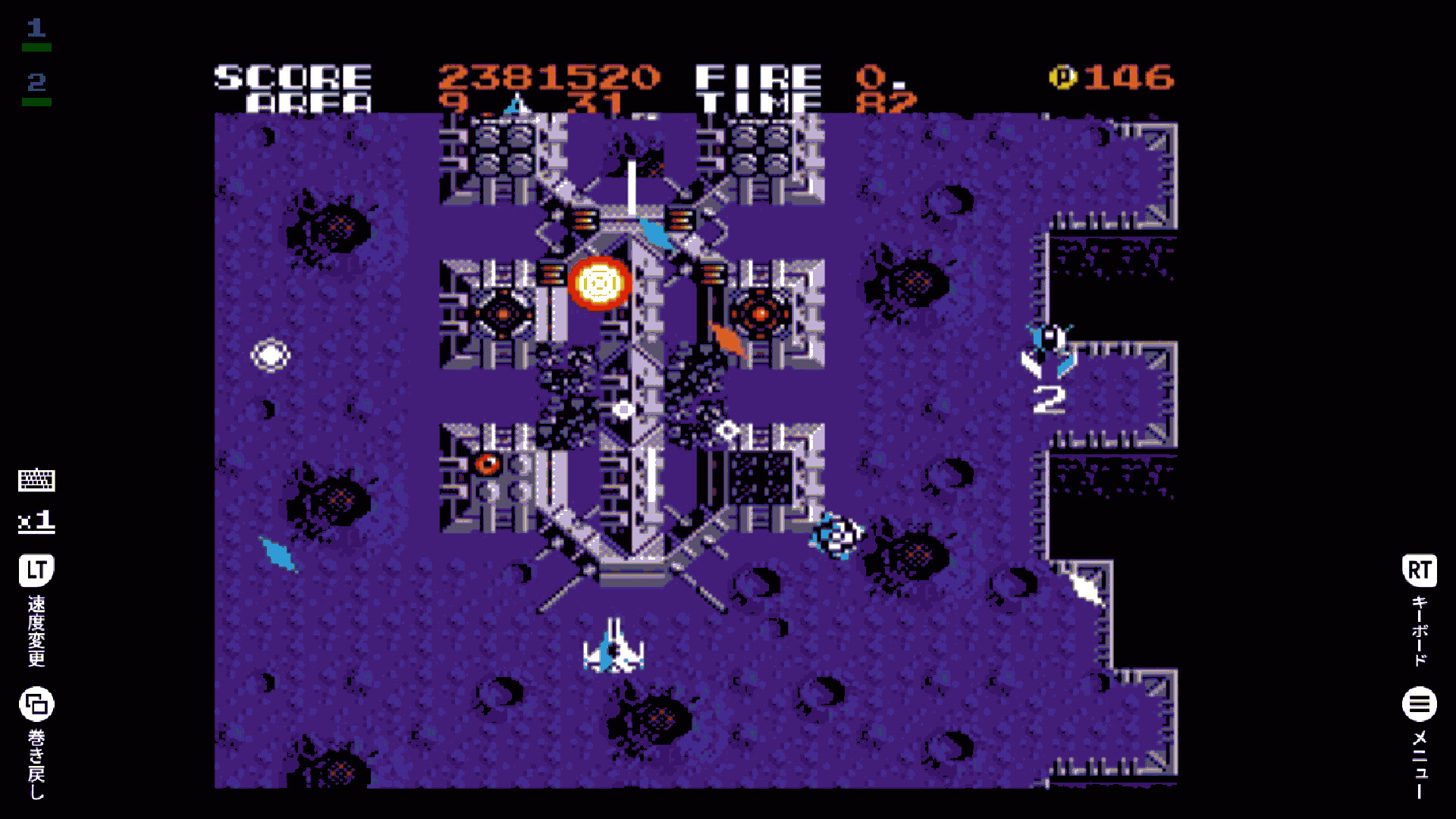
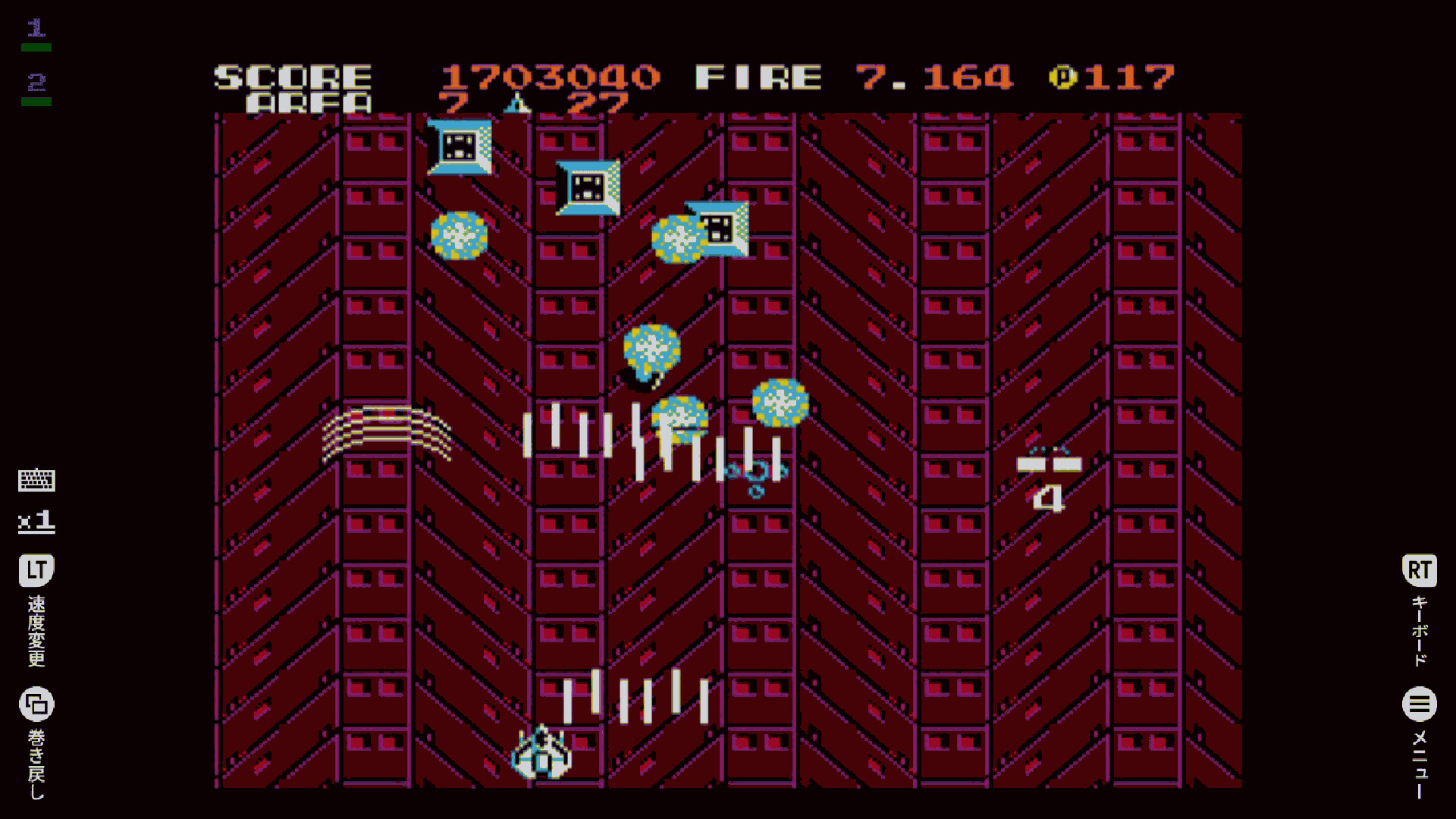
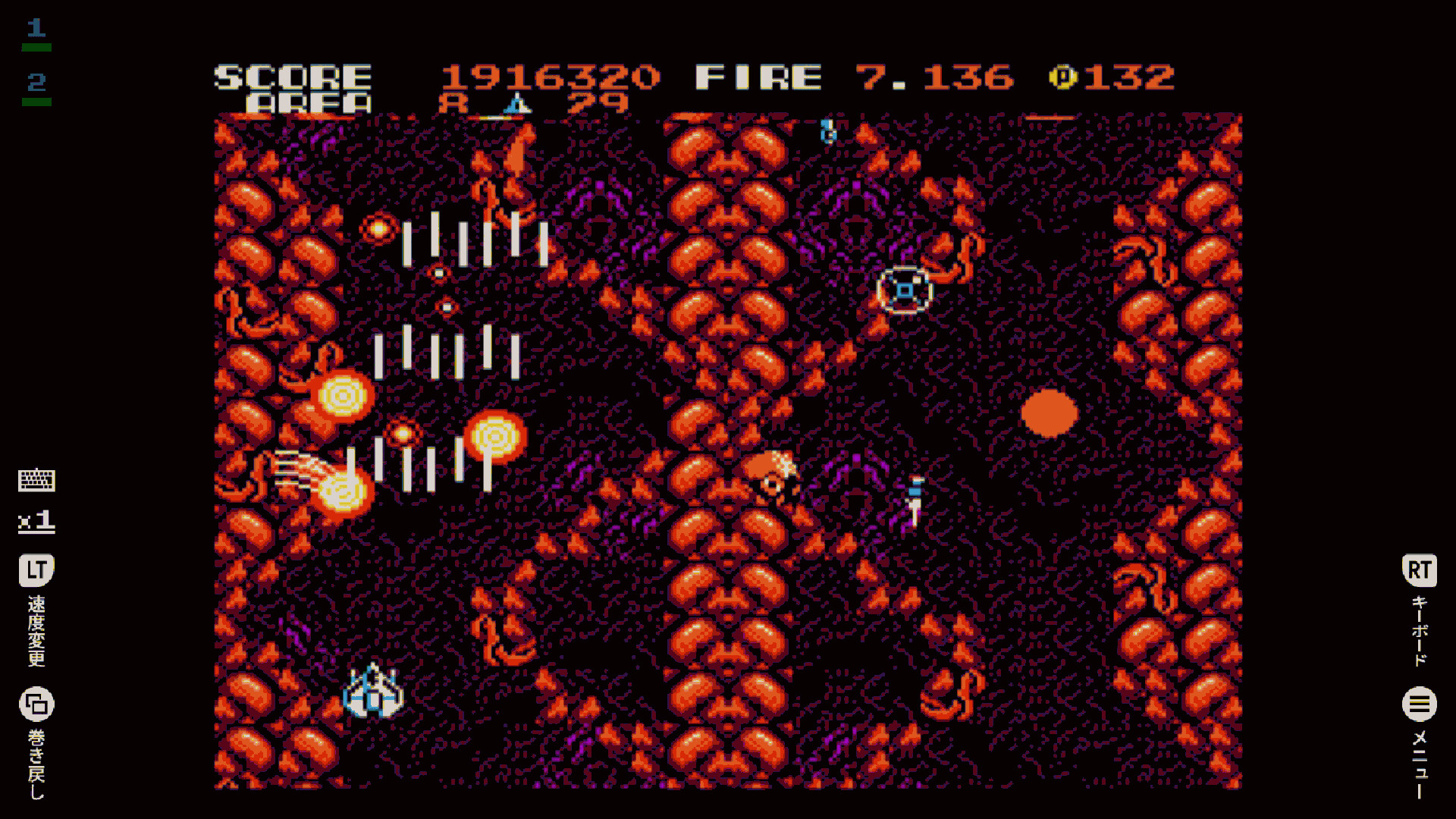
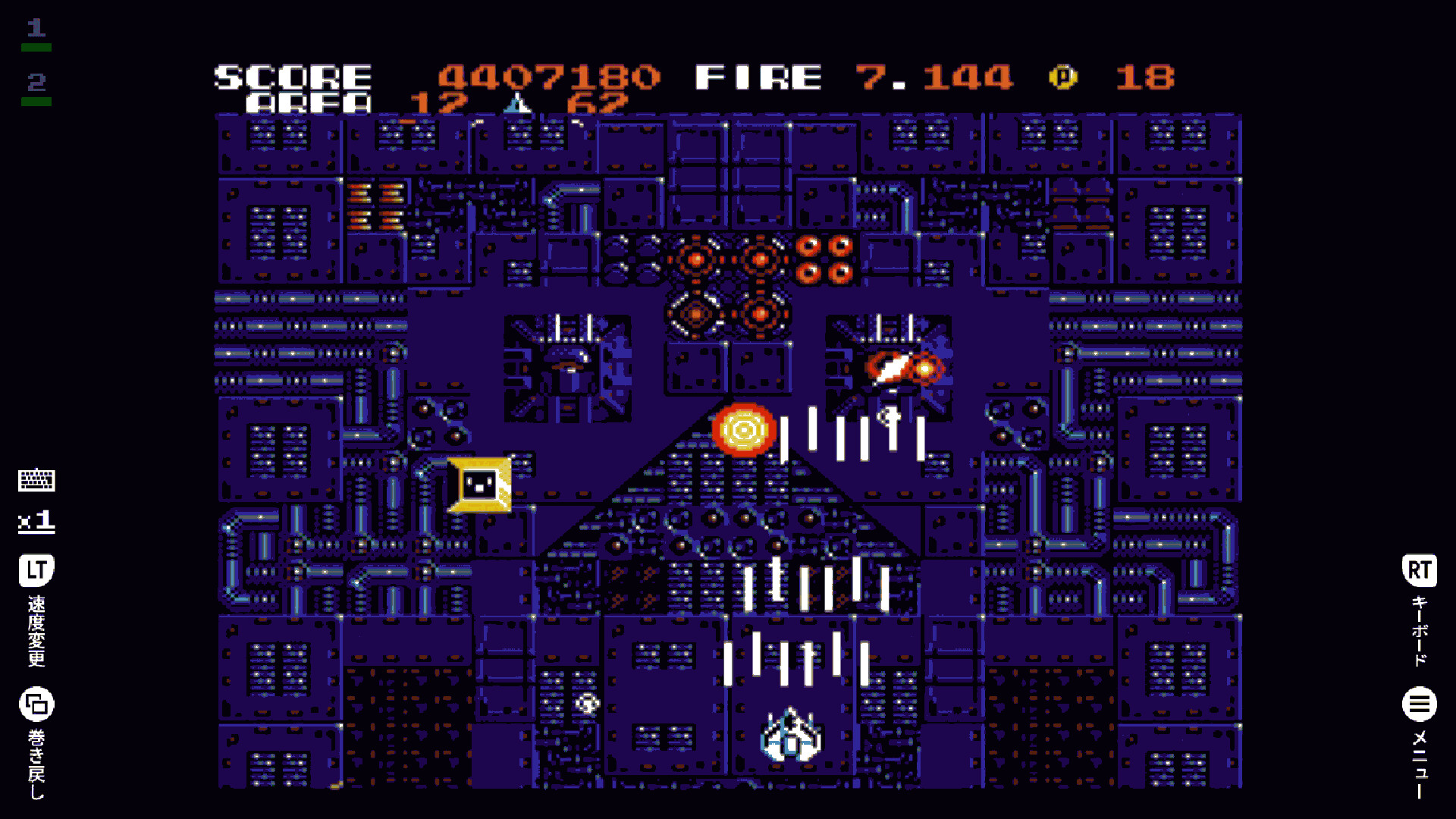
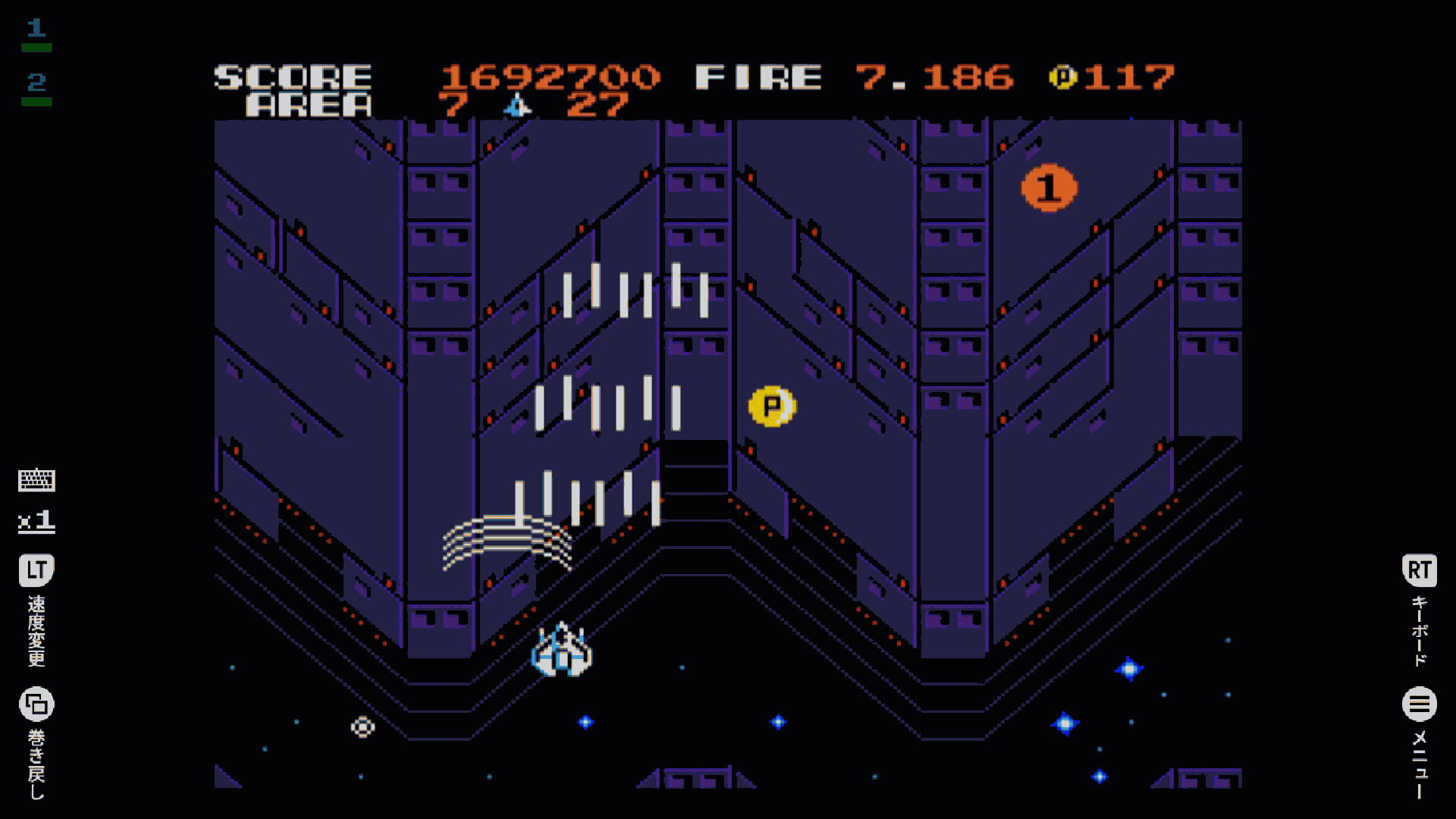
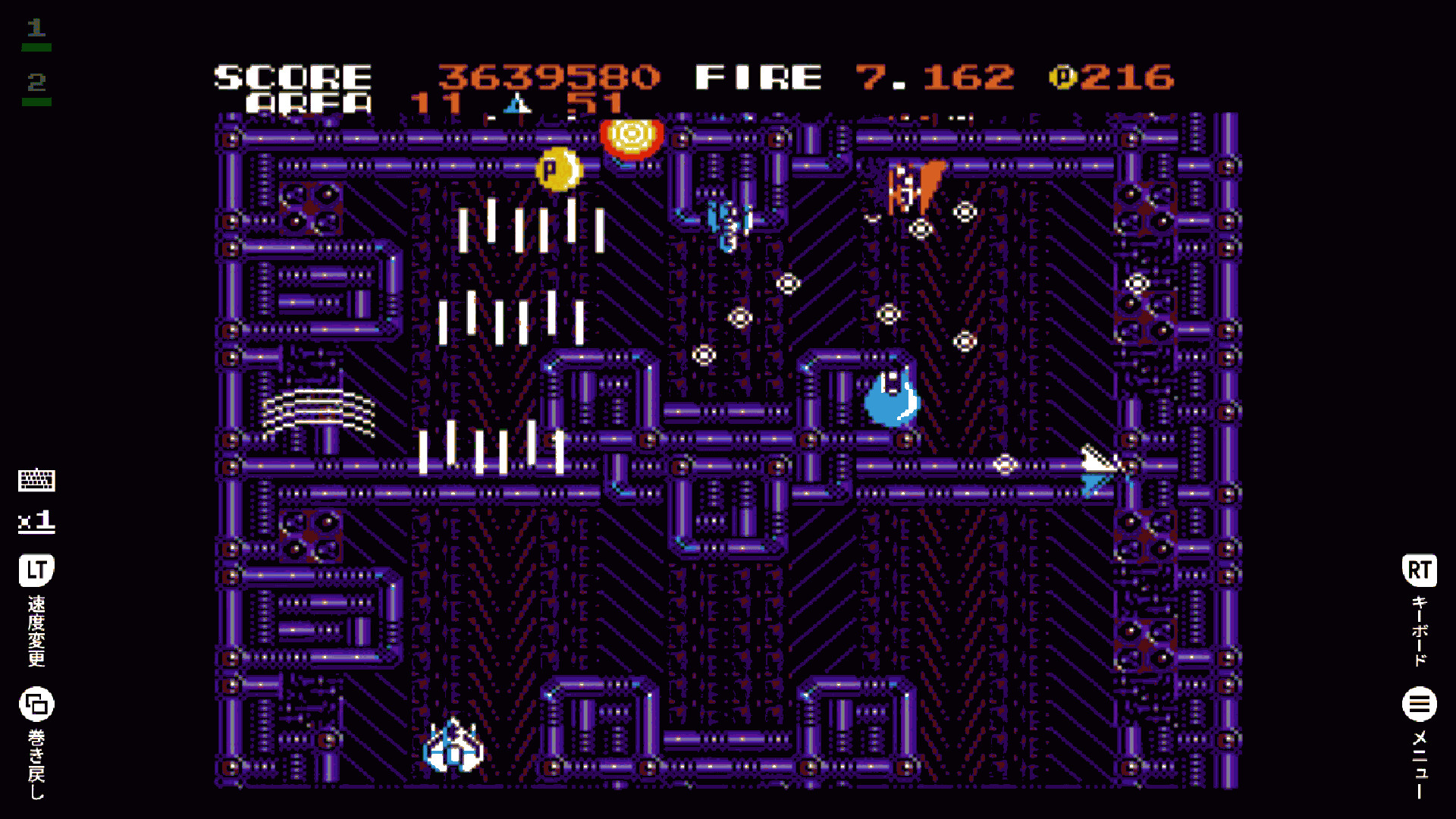
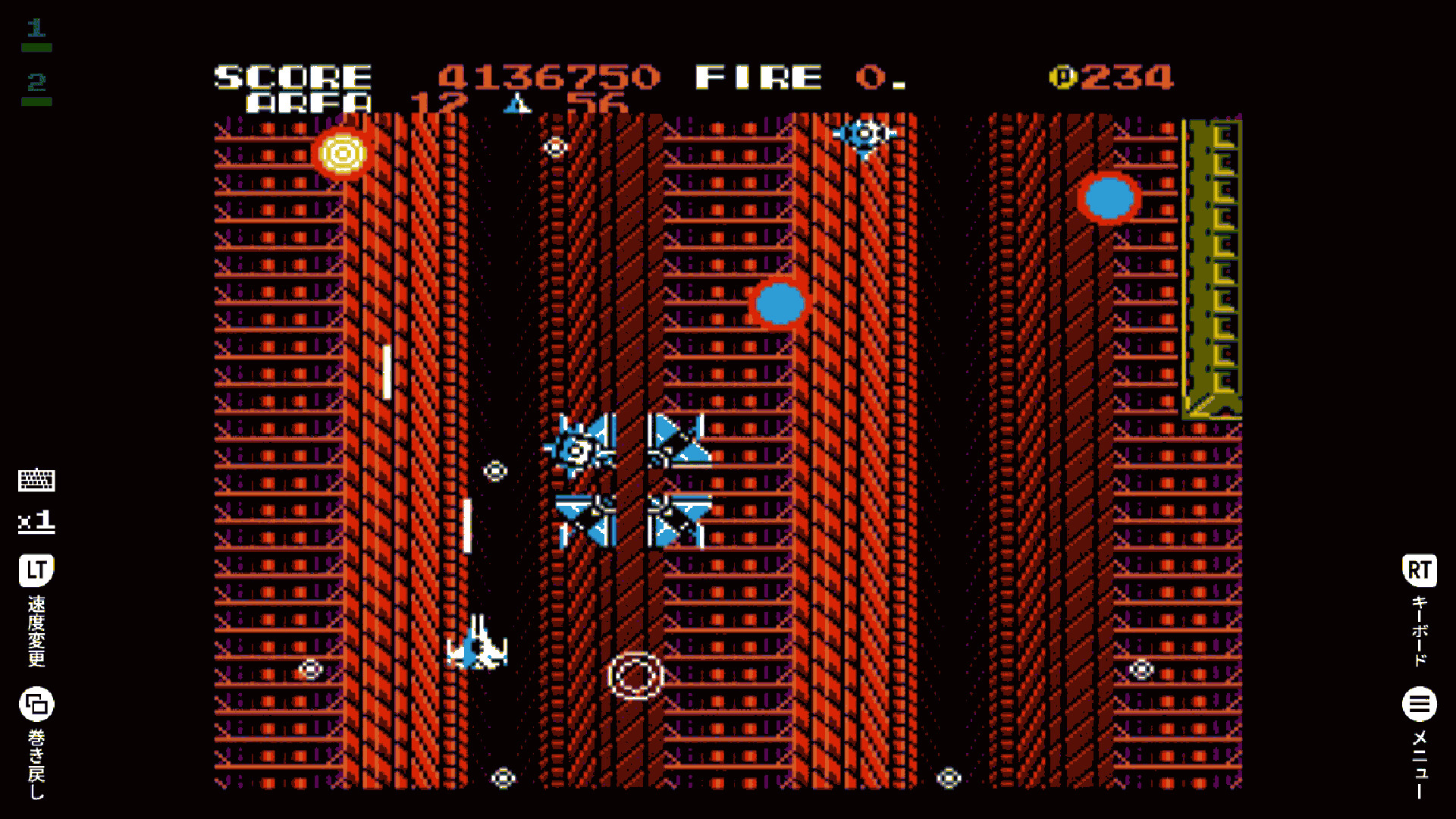
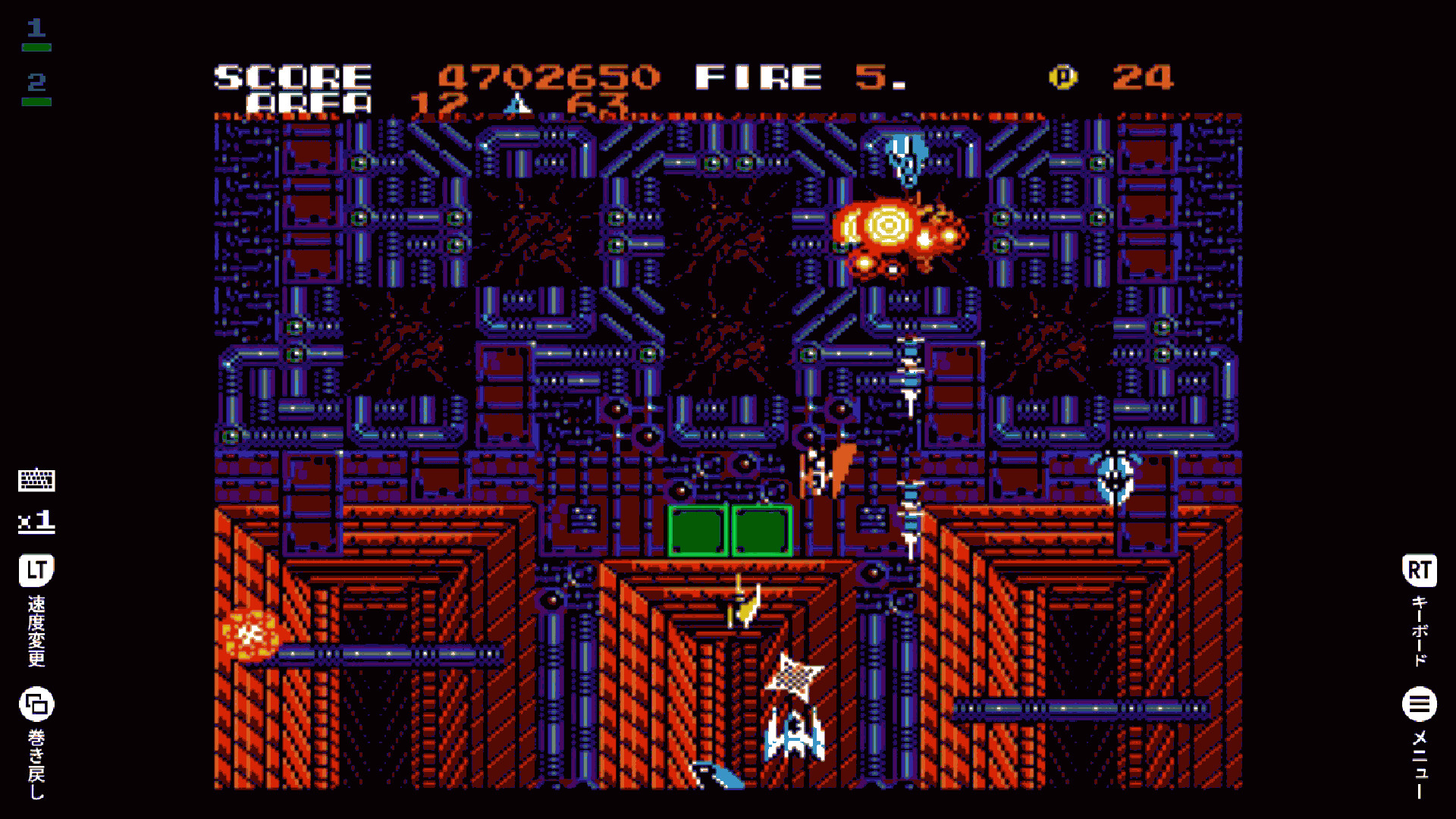
This is a vertically scrolling SF shooting game released in Japan by COMPILE in 1987.
Story-wise, it serves as a sequel to the MSX version of “ZANAC”, with players piloting the cutting-edge AFX-6502 “ZANAC” to battle against organic intelligence. The AFX-6502 “ZANAC” is equipped with both a standard shot and special weapons. By collecting numbered chips that appear during combat, players can switch special shots, and by collecting the same chip consecutively, they can enhance their special shots.
The variety of special shots includes piercing rounds that take down multiple enemies in a row, omnidirectional shots that fire in eight directions—common in shooting games—as well as defensive barriers, vibrating shots that move rapidly left and right, and rotating shots that spin quickly around the player’s ship. Whether switching between different shots depending on the situation or focusing on strengthening a preferred special shot, players can tailor their playstyle for an optimal experience.
A defining feature of this game is the ALC (Auto Level Control) system. In ZANAC EX, the intensity of enemy attacks dynamically adjusts based on how players progress through battles. Destroying enemy fortresses or shooting down reconnaissance units, for example, weakens enemy assaults. This system ensures that every playthrough unfolds differently, keeping the gameplay fresh and engaging.
■ Steam Version Features
Achievements supported
Score Attack mode (leaderboards) supported
Leaderboards support replay playback
Score Attack time limit: 80 minutes
■ Score Attack with Replay Leaderboards
Don’t just see the scores — watch how they were made.
Every leaderboard entry includes a full replay of the run.
Study the best players, learn their routes, and challenge the rankings yourself.
■ How to Toggle Full Screen Mode
Press Alt+Enter to switch between Full Screen and Window Mode.
In Steam Big Picture Mode, the game runs in Full Screen only.
■ Controls
This game can be played with an Xbox / PlayStation / Nintendo Switch controller, or with a PC keyboard.
For the best experience, we recommend playing with a controller.
Please note that keyboard behavior changes depending on whether a controller is connected.
[When no controller is connected (PC keyboard controls)]
Z / X / A / S: Xbox controller A / B / X / Y
Q / W: Xbox controller LB / RB
1 / 2: Xbox controller LT / RT (Speed Change / Virtual Keyboard)
3 / 4: Xbox controller LS / RS (Virtual Keyboard Settings)
Esc: Xbox controller View (Rewind)
Space: Xbox controller Menu (Pause Menu)
[When a controller is connected]
The PC keyboard functions as the same input as the virtual keyboard.